Manage Allocations
Curators must perform two actions:
- Set network allocation - determining how much funds to delegate to each network
- Set operator shares within each network - specifying how the network's allocation is distributed among operators
Set initial network delegation
Using Safe
- Open “Transaction builder”
- Get the delegator contract address of the desired vault (using UI, CLI, or etherscan)
- Put the delegator’s address as contract address
- Click “Use Implementation ABI”
- Choose
setNetworkLimit()method - the desired subnetwork (which is an address of the network concatenated with the uint96 identifier)
- the desired maximum amount of collateral to allocate to the subnetwork
- Sign & send transaction
Verify via Etherscan
- Open “Read Contract” tab in the delegator contract you used
- Open
networkLimit()method - Put
SUBNETWORK(which is an address of the network concatenated with the uint96 identifier) insubnetworkparameter, and click “Query”. It should return the set amount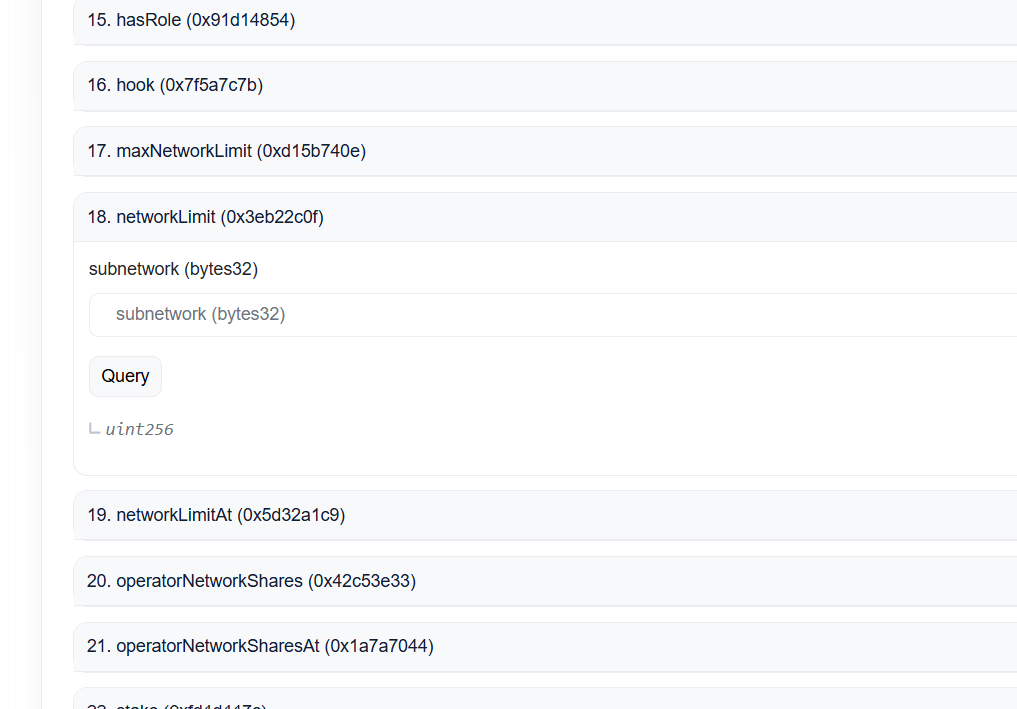
Set initial operator delegation
Using Safe
- Open “Transaction builder”
- Get the delegator contract address of the desired vault (using UI, CLI, or etherscan)
- Put the delegator’s address as contract address
- Click “Use Implementation ABI”
- Choose
setOperatorNetworkShares()method - the desired subnetwork (which is an address of the network concatenated with the uint96 identifier)
- the desired operator address
- the desired amount of shares to allocate to the operator (e.g, the operator having 100 shares out of a total 1000 shares for the given subnetwork means having 10% of the stake allocated to the subnetwork)
- Sign & send transaction
Using CLI
Using CLI to check:
- See https://docs.symbiotic.fi/guides/cli/#operator-network-shares
- Also, you may need https://docs.symbiotic.fi/guides/cli/#total-operator-network-shares
Verify via Etherscan
- Open “Read Contract” tab in the delegator you used
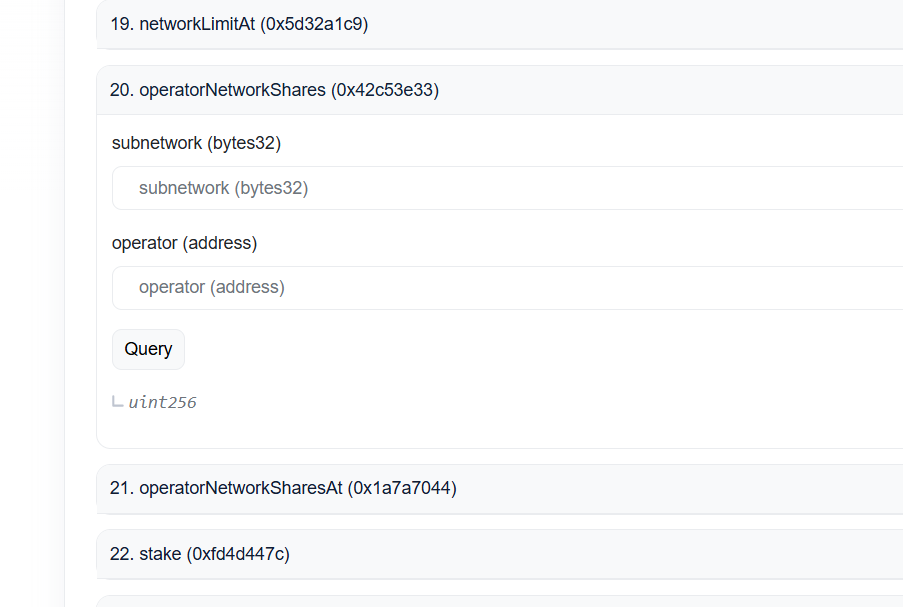
- Open
operatorNetworkShares()method (also, you may need totalOperatorNetworkShares) - Put
SUBNETWORK(which is an address of the network concatenated with the uint96 identifier) insubnetworkparameter,OPERATOR_ADDRESSinoperator, and click “Query”. It should return the set amount