Opt Into Networks And Vaults
Before operators can start receiving delegations, they need to complete two important opt-in steps:
- Opt-in to networks they wish to interact with
- Opt-in to vaults they plan to receive delegations from, including operator-specific Vaults
Opt-in to network
Using Safe
- Open “Transaction builder”
- Put
OperatorNetworkOptInServiceas contract address - Choose
optIn()method - Input the desired network’s address
- Sign & send transaction
Verify via Etherscan
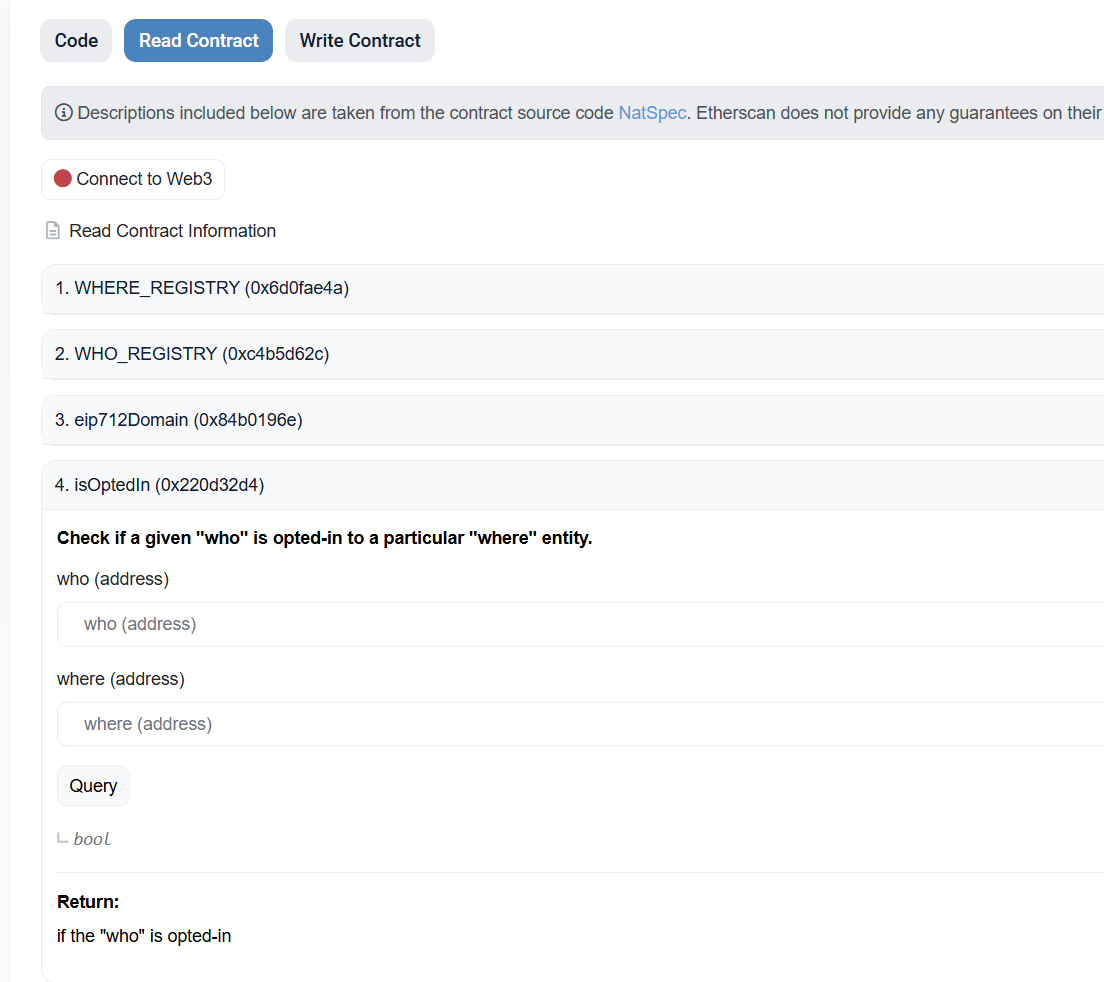
- Open “Read Contract” tab in
OperatorNetworkOptInServicecontract - Open
isOptedIn()method - Put
OPERATOR_ADDRESSinwhoparameter,NETWORK_ADDRESSinwhere, and click “Query”. It should returnTrue
Opt-in to vault
Using Safe
- Open “Transaction builder”
- Put
OperatorVaultOptInServiceaddress as contract address - Choose
optIn()method - Input the desired vault’s address
- Sign & send transaction
Verify via Etherscan
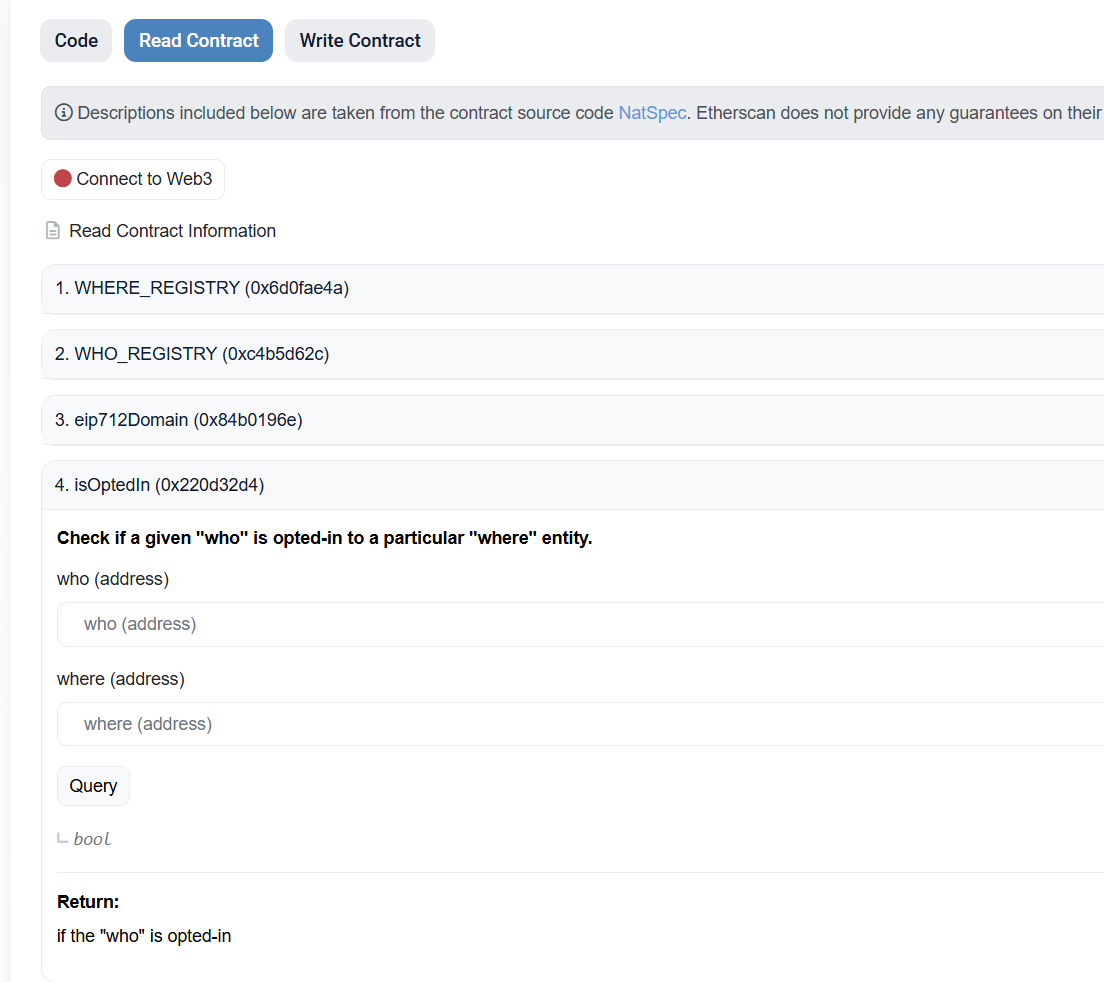
- Open “Read Contract” tab in
OperatorVaultOptInServicecontract - Open
isOptedIn()method - Put
OPERATOR_ADDRESSinwhoparameter,VAULT_ADDRESSinwhere, and click “Query”. It should returnTrue